
Why Digital Security Matters More When You Travel
Traveling disrupts the routines that protect your data at home. You connect to unfamiliar networks, use devices in public spaces, and often lower your guard during the excitement of a trip. The combination makes travelers attractive targets for opportunistic data theft and account compromise.
Digital risk abroad isn't limited to hackers. It includes physical device theft, border searches, skimming devices on ATMs, and even hotel-room snooping. As part of a broader approach to staying safe, understanding travel safety fundamentals helps frame digital security within your overall risk awareness — not as a separate concern, but as an integrated one.
1 in 4
Public Wi-Fi users who have had data compromised
According to a Norton Cyber Safety Insights Report, approximately one in four consumers who use public Wi-Fi have had their information compromised while doing so.
80%+
Of breaches involving stolen or weak credentials
Verizon's Data Breach Investigations Report has consistently found that the majority of hacking-related breaches involve compromised or weak passwords, underscoring the value of strong authentication practices.
Core Practices for Protecting Your Data Abroad
The following recommended practices aren't theoretical — they address real, documented risks that travelers face on the road. Implementing even a few of them before departure meaningfully reduces your exposure.
Use a reputable VPN on all public or unfamiliar Wi-Fi networks
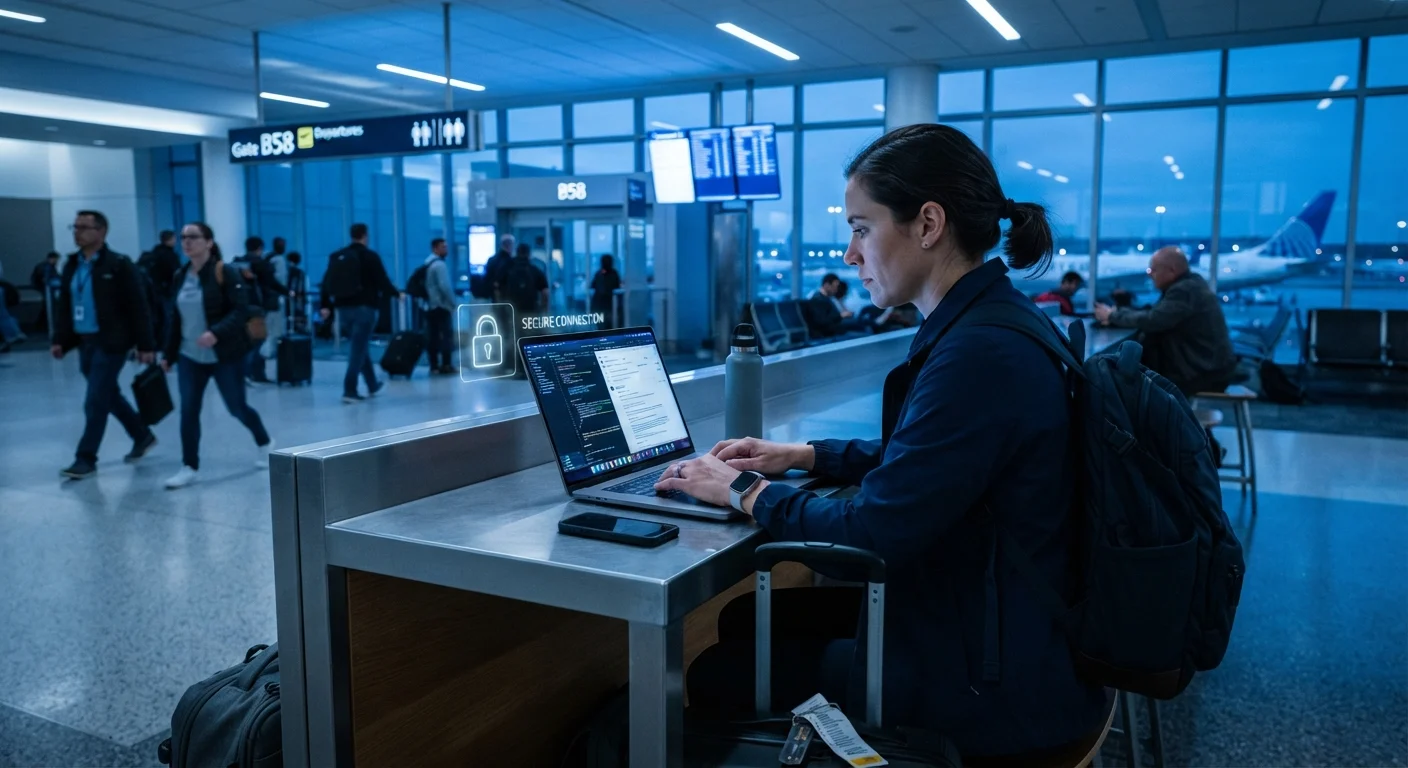
Public Wi-Fi — at airports, hotels, and cafes — is often unencrypted, making it possible for others on the same network to intercept unprotected data. A VPN (Virtual Private Network) encrypts traffic between your device and the internet, significantly reducing this exposure. Without one, credentials, emails, and browsing activity can be visible to other network users.
Enable two-factor authentication (2FA) on all critical accounts before departure
If a device is lost or stolen, passwords alone are often insufficient protection. Two-factor authentication requires a second verification step — typically a code sent to a trusted device or generated by an authenticator app — making unauthorized account access far more difficult. Setting this up before travel ensures it functions correctly without relying on roaming SMS delivery.
Minimize data stored on travel devices
Carrying only what you need reduces what is at risk. Sensitive files, work documents, or personal data that aren't necessary for the trip should be removed or stored in encrypted cloud storage rather than on the device itself. This limits damage in the event of loss, theft, or a border inspection.
Avoid using public charging stations and shared computers
USB charging ports in public spaces can be vectors for a technique called 'juice jacking,' where malicious hardware or software is embedded to extract data or install malware during charging. Shared computers — at hotel business centers or internet cafes — may have keyloggers or unsecured browsers that retain session data.
Keep your device's operating system and apps updated before departure
Software updates frequently include security patches that address known vulnerabilities. Traveling with outdated software leaves known attack surfaces open. Updating before you leave — rather than relying on uncertain foreign Wi-Fi — ensures patches are applied on a trusted network.
Border Crossings and Device Searches
One area travelers frequently overlook is the legal authority border agents hold to inspect electronic devices. In the United States, Customs and Border Protection has broad authority to search devices at ports of entry without a warrant. Many other countries hold similar powers. This applies to both international visitors entering the US and to US travelers arriving in other countries.
What to Know About Device Search Rights
In the US, CBP can inspect electronic devices at the border without a warrant, and courts have generally upheld this authority. Other countries — including Canada, the UK, and Australia — have similar powers. If you are required to unlock a device, refusing may result in detention of the device or denial of entry. Travelers carrying professionally privileged information (legal, medical, journalistic) may want to seek specific legal guidance before travel. For general information on border search policies, consult official government sources such as the CBP website or the Electronic Frontier Foundation's border search resources.
Solo travelers and those carrying sensitive professional data — journalists, lawyers, healthcare workers — may want to consult legal guidance specific to their situation before international trips. For a broader look at managing personal risk while traveling alone, see our guide to solo travel safety.
Quick Actions to Take Before You Leave
Most meaningful digital security preparation happens at home, before departure. Reactive measures taken mid-trip are far less effective than a few deliberate steps taken in advance.
For a comprehensive view of pre-departure preparation that goes beyond digital security, the health precautions worth planning before international travel article covers medical and logistical groundwork that similarly rewards early action.